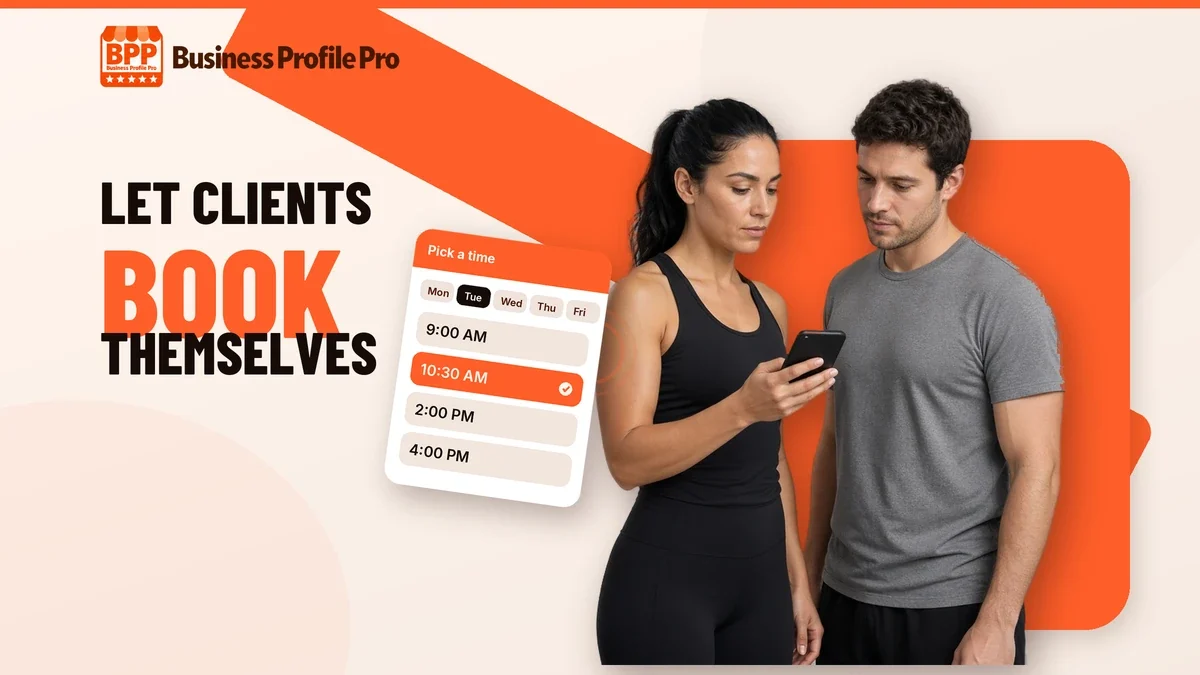
If you’re a personal trainer or coach, you probably book clients the hard way: a DM, a few texts back and forth about times, a payment app request, and a note in your phone so you don’t forget. It works until you’re busy, and then sessions slip, people forget to pay, and new inquiries sit unanswered while you’re on the gym floor. Online booking fixes most of that. This guide walks through how to set it up so clients can pick a time, pay and get reminders without you sending a single text.
Why trainers and coaches should take bookings online
Your clients already book haircuts, dinners and flights on their phones. When booking with you means waiting for a reply, some of them simply don’t follow through. An online booking page lets a new lead go from “I’m interested” to “I’m booked” in one sitting, at 10 p.m. if that’s when they decide.
It also gives you your time back. Every booking that happens on its own is a conversation you don’t have to manage, and every automatic reminder is a no-show you don’t have to chase.
Step 1: Decide what people can book
Before you pick any tool, write down your offers the way a client would see them. Keep the list short. Most coaches do well with three kinds of bookable sessions:
- A free consult or intro call. Usually 15 to 30 minutes, so a new lead can meet you before buying.
- A single paid session. One-to-one training, a lesson or an assessment.
- A package or program. A block of sessions or a monthly program, booked after the client has paid.
For each one, decide the length, the price, where it happens (your gym, the client’s home, a court, or online) and how much buffer you need between sessions for travel or setup.
Step 2: Set your real availability
Block out only the hours you actually want to train clients. It’s tempting to open every slot, but a calendar that’s too open leads to awkward reschedules later. Good booking tools let you set:
- Weekly working hours for each type of session
- Buffer time before and after sessions
- A minimum notice period, so nobody books you an hour from now
- How far ahead people can book
- A sync with your personal calendar, so a dentist appointment blocks that slot automatically
Step 3: Take payment at booking
Collecting payment when someone books is the simplest way to cut no-shows and end the “I’ll Venmo you later” problem. You can charge the full price, a deposit, or nothing for a free consult and then send a payment link for the package afterward.
Payment links are an easy way to start. Stripe, for example, lets you create a link for a product or package and share it anywhere, with no coding required; its documentation on Payment Links explains how they work. Whatever you use, put your cancellation and refund policy right on the booking page so clients see it before they pay.
Step 4: Turn on reminders and confirmations
Automatic messages do the follow-up you’d otherwise do by hand. A simple set that works for most coaches:
- A confirmation email the moment someone books, with the time, location and what to bring
- A text reminder the day before
- A short check-in a few weeks into a program
- A renewal reminder before a package runs out
Keep the tone personal. These messages go out under your name, so write them the way you’d talk to a client.
Step 5: Add an intake form
Ask for the information you need before the first session, not during it. An intake form attached to the booking can collect goals, experience level, injuries or health notes, and an emergency contact. If you work with minors, collect a parent or guardian’s contact details and consent. Keep it to the questions you’ll actually use.
Step 6: Put the booking link everywhere clients find you
A booking page only works if people see it. Add the link to:
- Your website’s main buttons, so “Book a free consult” is visible on every page
- Your Instagram, TikTok or other link-in-bio
- Your Google Business Profile
- Your email signature and the auto-reply on your DMs
On Google, you can add a booking link to your Business Profile or use a supported booking provider. Google explains the options in Set up bookings through a provider, and you can edit your profile’s links and details as described in Edit your Business Profile.
Step 7: Keep every lead in one place
The biggest leak for most coaches isn’t booking, it’s the inquiries that never get a reply because they’re scattered across DMs, texts and email. A simple CRM, which is just a list of your leads and clients with their status, fixes that. When every inquiry, consult and client sits in one pipeline, you can see at a glance who needs a reply, who booked a consult and whose package is ending soon.
Common mistakes to avoid
- Too many session types. Ten options make people hesitate. Start with three.
- No free first step. A low-pressure consult makes it easier for a new lead to say yes.
- Hidden policies. Show cancellation and refund rules before payment, not after.
- A booking page that doesn’t match your brand. Use your name, photos and colors so clients know they’re in the right place.
- Forgetting mobile. Most people will book from a phone, so test the whole flow on yours.
Frequently asked questions
Do I need a website to take bookings online?
Not strictly. You can share a booking link on its own. A website helps, though: it gives clients your story, programs and reviews in one place, makes it easier to be found on Google, and puts the booking button next to the reasons to book.
Should I charge for the first session?
Many coaches offer a free consult and charge from the first real session. If no-shows are a problem, a small deposit at booking can help. Choose what fits your offer and say it clearly on the booking page.
Can clients reschedule on their own?
Most booking tools let clients reschedule or cancel from their confirmation message, inside rules you set, such as a 24-hour notice window.
Can a gym or studio with several coaches use one system?
Yes. A common setup gives each coach their own calendar and booking page, with one dashboard for the owner to see everything.
Want it built for you?
Business Profile Pro builds coaching websites with consult booking and reminders, Stripe payment links for your packages, an intake form, and a CRM that handles follow-up, check-ins and renewal reminders. Plans start at $99/mo with a one-time $399 Website Package, and we set it all up for you. With Done-For-You, you’ll see your first preview within 24 hours of complete onboarding, and your site is live in 7 days. See everything that’s included on the Coach & Trainer Website Package page, or contact us with questions.