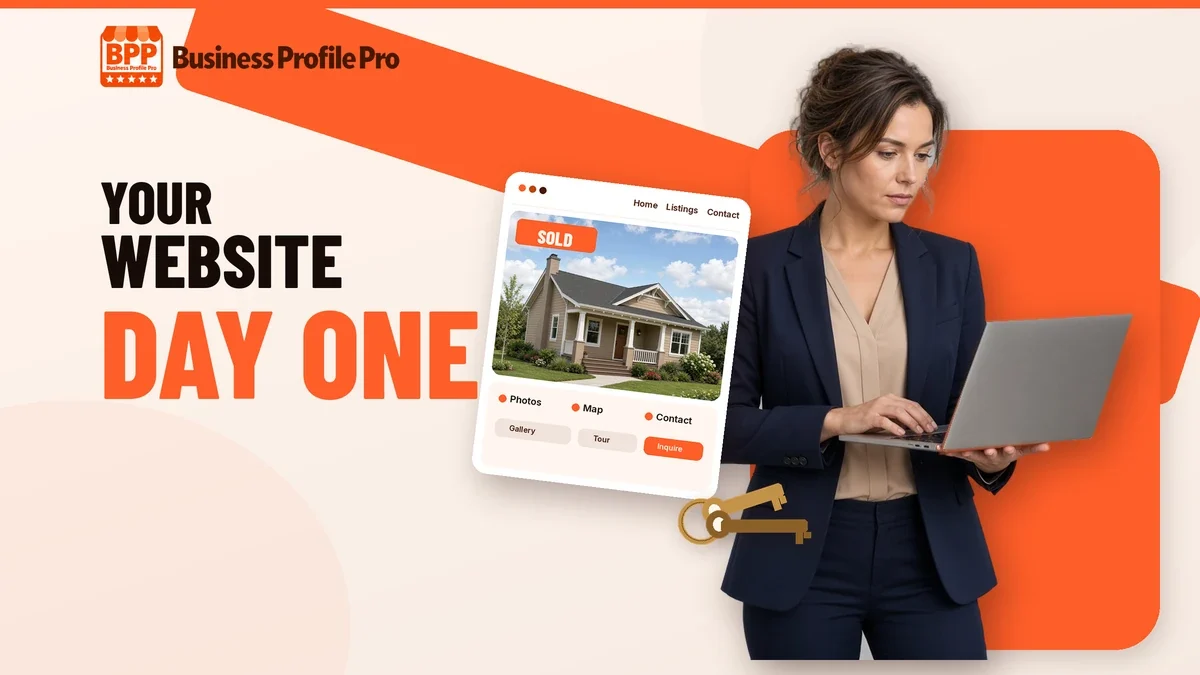
You passed the exam, picked a brokerage and ordered business cards. Now people are going to search your name, and what they find shapes whether they call you. A profile page on your brokerage’s site is a start, but it isn’t yours. This guide walks through what a new real estate agent website actually needs on day one, what can wait, and how to get it live without losing weeks to setup.
Why a new agent needs a website of their own
Your brokerage profile is shared space. It sits next to dozens of other agents, it uses the brokerage’s branding, and if you ever change brokerages it disappears along with everything you built on it. A website on your own domain gives you a permanent home for your name, your story and your reviews.
It also gives every lead a place to land. When someone from your sphere hears you got your license, they will look you up. When an open-house visitor wants to follow up, they need somewhere to go. Your website is that place, and it should send every inquiry into one system you can work from your phone.
The day-one essentials
You don’t need a huge site. You need a few pages that do their job well.
1. A homepage that says who you serve and where
Lead with your name, your photo, the area you work in and one clear next step, such as “Book a call” or “Get your home value.” Visitors should know within a few seconds that they are in the right place.
2. An honest about page
New agents often worry they have nothing to say. You do. Share why you got into real estate, your ties to the neighborhood, your past career and how you work with clients. People hire agents they trust, and trust starts with knowing who you are.
3. Buyer and seller pages
Give each audience its own page. Buyers want to know how you’ll help them search, tour and make an offer. Sellers want to know how you’ll price, prepare and market their home. Each page should end with a simple form or booking link.
4. A home valuation request
“What is my home worth?” is one of the most common reasons homeowners contact an agent. A short valuation request form gives future sellers an easy, low-pressure way to raise their hand.
5. Online booking
Let people pick a time to talk instead of trading messages. A booking calendar with automatic reminders cuts down on no-shows and makes you look organized from the first contact.
6. Brokerage and license details
Most states and brokerages have rules about how agents advertise, including showing your brokerage name and license information. Check your state’s rules and your broker’s policy, and have your broker review the site before it goes live.
Connect the website to a CRM from the start
A website that sends form submissions to an inbox you forget to check won’t help much. The most useful thing you can do as a new agent is make sure every lead, whether it comes from a form, a call, a text or an open-house sign-in, lands in one CRM.
From there, set up a simple pipeline, such as new lead, appointment set, under contract and closed, so you always know who needs a call today. Then load follow-up sequences for buyers, sellers, your sphere and open-house visitors. Follow-up is where new agents usually fall behind, because busy weeks push it aside. Sequences that go out on schedule keep you in touch while you’re out showing homes. Make sure your texting and email follow the consent rules for your area.
Give people a reason to share their email
Most visitors aren’t ready to talk on their first visit. A helpful free download gives them a reason to stay in touch. Good options for new agents include:
- A first-time buyer guide that explains the steps from pre-approval to closing
- A seller prep checklist for getting a home ready to list
- A home value report request
Each one should be branded to you and connected to a follow-up sequence, so the download starts a conversation instead of ending one.
Set up your Google Business Profile and ask for reviews
When someone searches for an agent in your area, Google often shows business profiles alongside regular search results. A free Google Business Profile helps you show up there and links people straight to your website. Fill it out completely, add a real photo and your service area, and link it to your site.
Then build a habit of asking every happy client for a review. Only post genuine reviews from real clients. If you don’t have any yet, that’s fine. Leave the section out until you do, rather than filling it with placeholders.
What can wait
It’s easy to get stuck trying to build everything at once. These can come later:
- Full MLS/IDX listing search. It’s useful, but it depends on your MLS and brokerage approval and often carries separate feed fees. Start with your own listings and a contact form.
- A blog with dozens of posts. A few helpful local pages beat a pile of rushed articles.
- Paid ads. Get your site, CRM and follow-up working first, so any ad spend lands somewhere that converts.
- An enterprise platform. Big all-in-one systems can make sense later. In your first months you need something you’ll actually use.
A simple launch plan
- Pick and register a domain in your name.
- Gather your headshot, bio, license number and brokerage details.
- Build the core pages: home, about, buyers, sellers, home valuation and contact.
- Connect every form and your booking calendar to your CRM.
- Load your follow-up sequences and lead magnets.
- Get your broker’s approval, then launch.
- Set up your Google Business Profile and tell your sphere you’re open for business.
Frequently asked questions
My brokerage already gives me a website. Do I still need one?
If your brokerage site lets you own your brand, capture leads and run follow-up, it may be enough for now. If it’s a brokerage-branded profile page only, a site of your own fills that gap and stays with you if you ever move.
Do I need my broker’s approval for my website?
Usually, yes. Most brokerages review agent advertising, and state rules often require your brokerage name on your marketing. Ask your broker what they need to see before you launch.
Should I put listings on my site if I don’t have any yet?
No need. Focus on who you help and how, and add listings as you get them. A clear buyer page and a home valuation form are more useful to a new agent than an empty listings section.
How long does it take to get a website live?
Doing it yourself depends on your time and tools. With Business Profile Pro’s Done-For-You option, your first preview arrives within 24 hours of complete onboarding, and your site and CRM launch within 7 days after onboarding and broker approval. MLS/IDX and other third-party approvals can take longer.
Get your agent website and CRM live in 7 days
Business Profile Pro’s New Agent Starter Package gives you a website in your name, a CRM for every lead, and buyer, seller, sphere and open-house follow-up. Run it yourself on our software, or let us build it for you with a first preview within 24 hours and launch within 7 days after onboarding. See pricing and options on the package page, or contact us to book a free launch call.